Check for updates light not visible

Hard to say. Software updates apply to specific hardware. If you have different hardware than a 24 or 25 truck, then you may not need updates that they need. You may have to see the dealership to find out if you are missing updates. I don't know of any websites that would list the relevant updates. It would be nice if there was one.
Thank you, I had the same thought. A website/list to check against would be great. I would think tech hardware on the current-gen AT4X (all nearly identically optioned) is the same. But things get quietly upgraded all the time.

It is currently at the dealer for a known ACC fault, which I believe is software-related. I will ask them to check everything out!
 

I had the 662 update available and it failed to install twice and now it doesn't show up as an available update anymore. Anyone know how to get that back?
 

You have to charge your batteries… if they aren’t full it won’t load, you also need to drive about after charging the batteries… or it won’t work.

Lastly disconnect any auto start eliminator, pedal Commander, obd2 or other devices, it’s looking for an input that’s affected by these type of devices
 

I had the 662 update available and it failed to install twice and now it doesn't show up as an available update anymore. Anyone know how to get that back?
That happened to me in early spring and I had to take it to the dealer and have them find/install the update.
Or you try what's mentioned above I suppose.
 

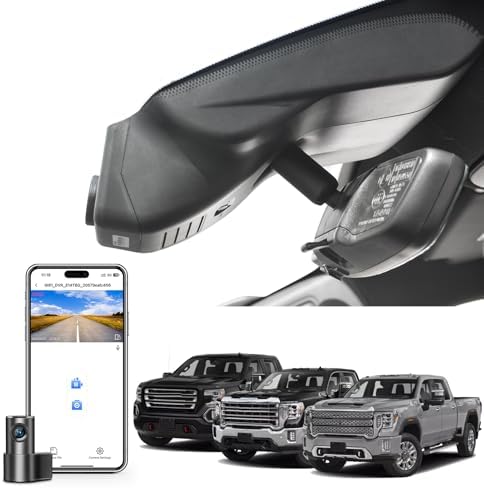
Ive missed a few, normally when I forget to unplug my Carbyte. If it goes away before you can install it the next update will still load, I'm not sure if it does the old with the new but I still get updates and have missed a few and never needed to go to the dealer.
 

Most reactions

Back
Top